Website asset extractor for Chrome and Firefox
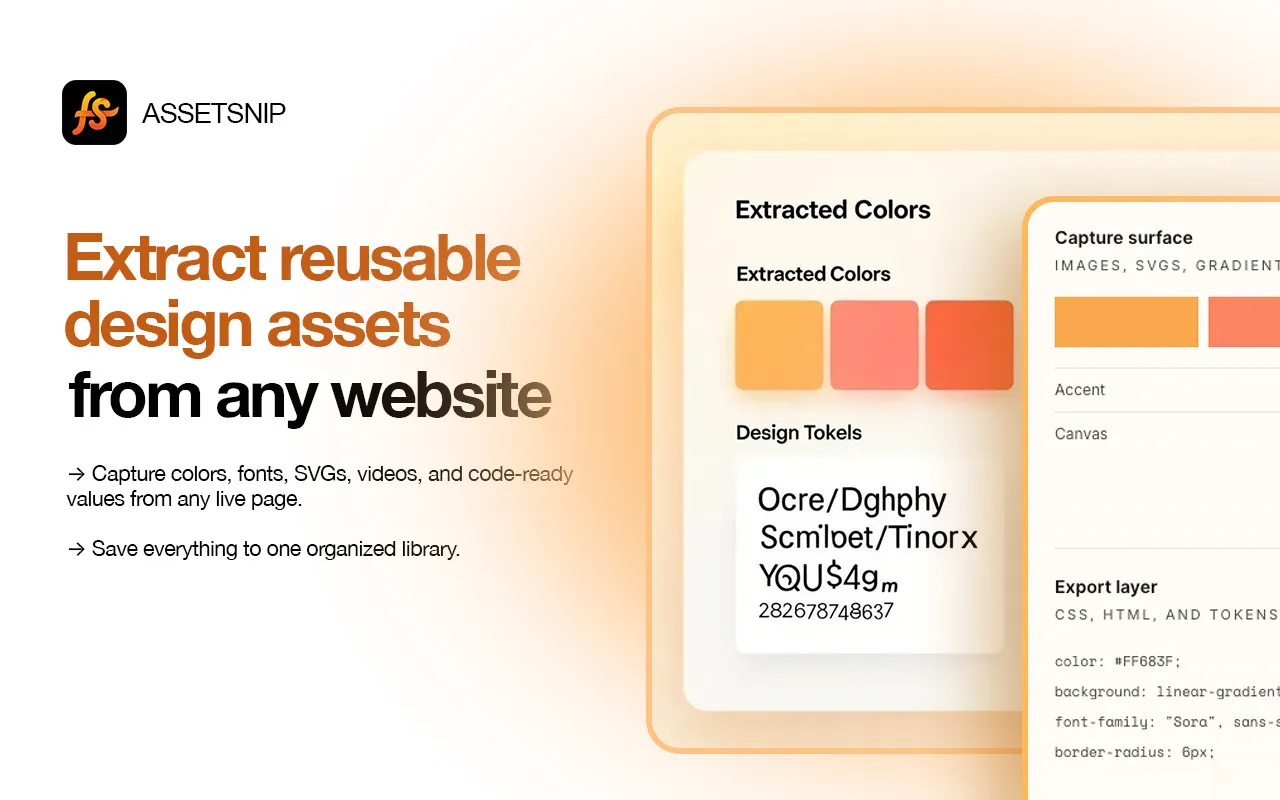
Extract reusabledesign assets from any websiteExtract reusable design assets
from any website
Capture colors, fonts, SVGs, media, and code-ready values from any live page. Export DESIGN.md plus real assets for Claude Code, Codex, Cursor, and other coding agents.

Capture surface
Images, SVGs, gradients, video
Export layer
CSS, HTML, and tokens
color: #FF683F;
background: linear-gradient(135deg, #FFB151, #FF683F);
font-family: "Sora", sans-serif;
border-radius: 6px;
border: 1px solid rgba(26, 14, 8, 0.08);
Capture what matters.
Export what you need.
AssetSnip keeps the workflow simple: grab the exact assets you want, store them in one place, and bring clean context into design, code, or AI-assisted builds.
Inspect live sections
Hover to highlight a region, then capture HTML, CSS, Tailwind, colors, and font details in context.
Collect media directly
Grab images, inline SVGs, video, and Lottie from public pages, then save or download them.
Capture motion and Lottie
Keep video and Lottie JSON in reach for client reviews, handoff, and rebuild work.
Save assets cleanly
Keep captures in a cloud library with tags and folders, ready to search and share later.
Colors and gradients
Store the palette with reusable values instead of eyeballing screenshots.
Move into code faster
Export HTML, CSS, Tailwind snippets, and React-style markup into CodePen or your build.
Generate and vectorize SVG icons
Create SVG icons from prompts or vectorize references, then save the results to your library.
Design context for coding agents
Turn live pages or saved assets into DESIGN.md context for AI coding workflows, with the real files behind the design.
Capture. Save. Reuse.
No screenshot folders, no hunting through DevTools, and no extra cleanup step just to keep a good reference.
Install
Add AssetSnip to Chrome. It takes a few seconds and stays out of the way until you open the side panel.
Browse and capture
Navigate any site, then grab colors, fonts, images, and sections directly from the page.
Save and export
Save assets, export CSS/HTML/Tailwind, or create DESIGN.md context for your coding agent.
Design context for your AI agents.
Turn references into assets, tokens, and DESIGN.md context your coding agent can use.
Capture the reference
Capture colors, fonts, SVGs, images, and implementation details from the live site.
Create the design context
Create lightweight DESIGN.md from the extension or fuller context from dashboard assets.
Build with your agent
Use DESIGN.md and assets in Cursor, Codex, Claude Code, GitHub Copilot, or your agent.
Every asset, ready to export
Images
PNG, JPG, WebP, AVIF
SVGs
Vectors and icons
Videos
MP4, WebM, GIF
Lottie
JSON motion files on the page
Folders
Saved references
Colors
HEX, RGB, HSL
Gradients
CSS gradients
Typography
Fonts and styles
Components
HTML, CSS, Tailwind, and React from Inspect
AI Icons
Text-to-SVG and image-to-vector
Asset DESIGN.md
From saved project assets, via the dashboard
Site DESIGN.md
From any live page, via the extension
Compare plans clearly
A simple plan comparison matrix for users who want to see limits, library size, and advanced features at a glance.
Core Features
Monthly Limits
Library
Support
Core Features
Monthly Limits
Library
Support
Core Features
Monthly Limits
Library
Support
Questions, answered clearly
AssetSnip can capture images, inline SVGs, videos, colors, CSS gradients, fonts, and Lottie JSON. Everything you save shows up in your cloud library, taggable and organized for reuse later.
Ready when you are
Stop collecting dead screenshots.
Start saving real design references.
Add AssetSnip in Chrome or Firefox. Capture once, save exact assets, and bring DESIGN.md context into your AI coding workflow when you build.