Icon research
Study how products structure icon systems and save useful visual references while you design your own library.
SVG extractor
Find SVG icons, logos, illustrations, and vector assets on live pages, preview what you need, and save useful SVGs into a reusable design library.
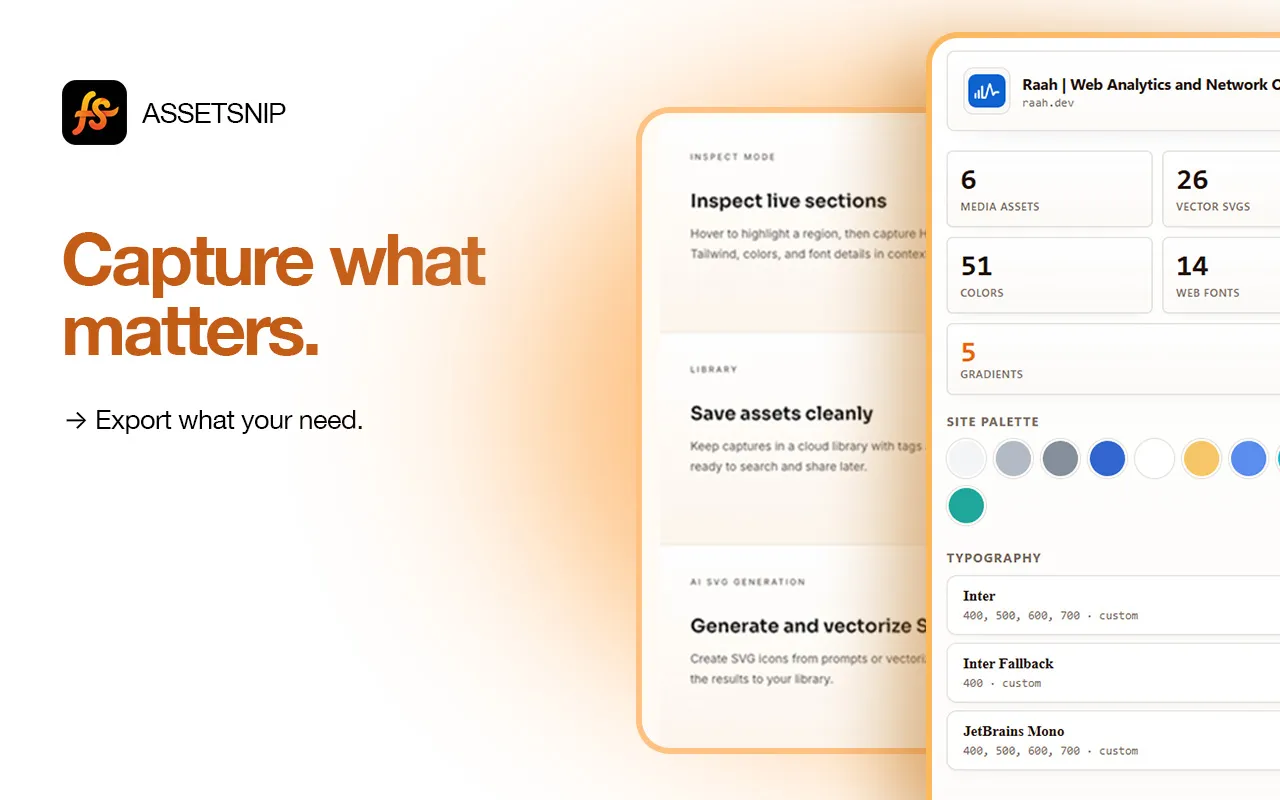

AssetSnip capture
Chrome extension workflow
Use AssetSnip for design research, rebuilds, audits, and faster frontend handoff.
Study how products structure icon systems and save useful visual references while you design your own library.
Collect vector references from public pages when building moodboards, competitive audits, or brand inspiration boards.
Keep SVG references close to implementation work so designers and developers are aligned on shape, style, and scale.
Inspect the page, choose what matters, and save or export the asset for later use.
Open the extension on a site and let AssetSnip surface vector assets that would otherwise be buried in markup.
Review the SVGs visually so you keep only the icons, marks, or illustrations that matter to the project.
Download SVGs, save them to your library, or use AI SVG generation for related icon concepts.
Move faster than manual inspect-element searches when a page contains many inline and linked vectors.
Keep vector references grouped with the page context, name, and related design details.
Saved SVG content is sanitized in the app before it is stored as a reusable library asset.
Create clean UI-ready SVG icons when the exact reference is not what you need for your product.
AssetSnip is built for design research and production workflow. These are the common questions for asset capture, reuse, and limits.
AssetSnip is designed to surface website SVG assets that are available in the browser, including common inline or linked SVG use cases.
No. Use AssetSnip for inspection, research, and workflow. Always verify asset rights before reuse.
Yes. Paid plans include AI SVG credits for prompt-based icon generation and image-to-SVG vectorization.
Collect images, SVGs, videos, colors, fonts, gradients, and Lottie files.
Capture page palettes, gradients, and reusable design values.
Identify font families and typography references from live pages.
Turn website research into an organized visual reference library.
Install AssetSnip, open the extension on a page, and turn useful design details into a reusable asset library.