Typography inspiration
Understand how polished sites combine display type, body copy, labels, and supporting text styles.
Font finder
Identify typography references from live pages and save font details alongside colors, SVGs, images, and inspectable UI snippets.
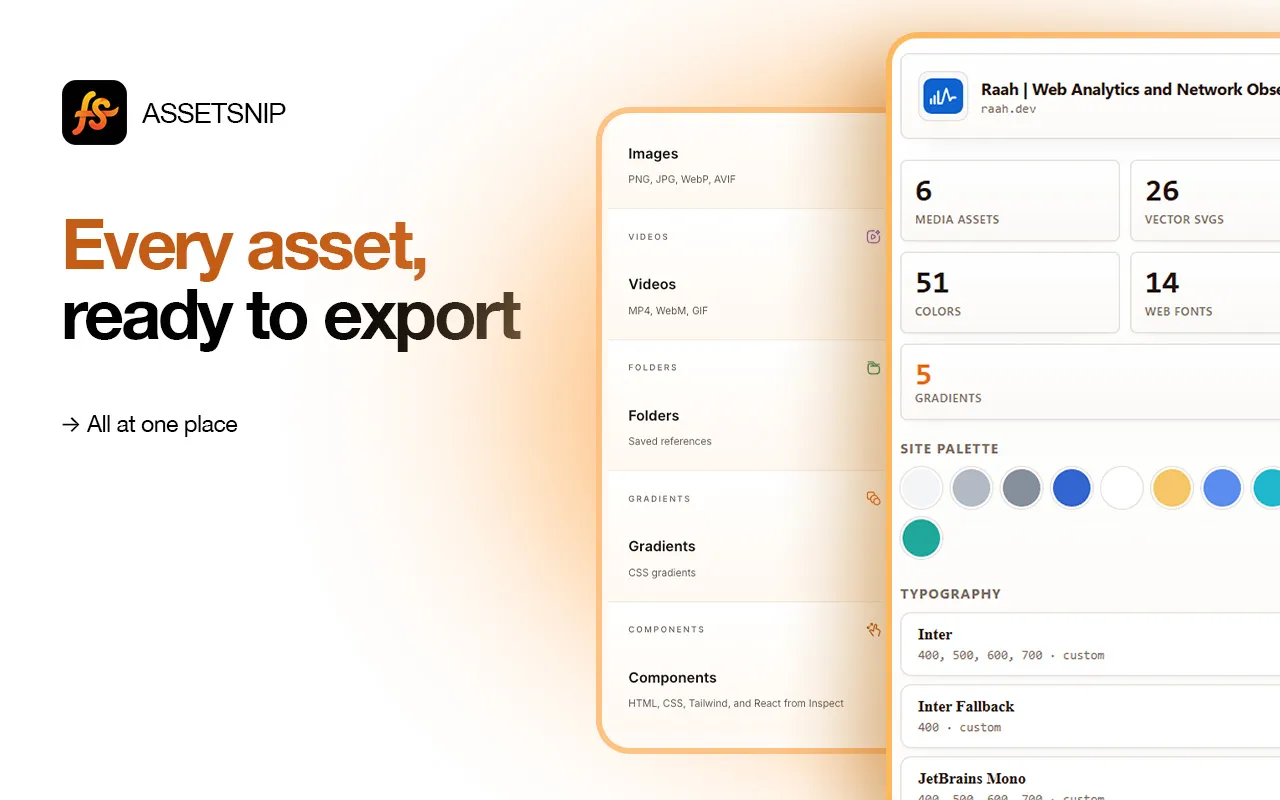

AssetSnip capture
Chrome extension workflow
Use AssetSnip for design research, rebuilds, audits, and faster frontend handoff.
Understand how polished sites combine display type, body copy, labels, and supporting text styles.
Capture font references while studying spacing, colors, icons, gradients, and components.
Use font references as part of a broader implementation review when rebuilding or auditing UI.
Inspect the page, choose what matters, and save or export the asset for later use.
Use AssetSnip while browsing the website you want to study, instead of jumping between DevTools panels.
Keep useful typography details with the page context and related visual assets.
Use your saved library when translating inspiration into your own brand, layout, or frontend system.
Capture typography references from the same workflow you use for colors, SVGs, and images.
Save font findings with the site and surrounding visual system, not as isolated notes.
Ideal for founders and frontend developers who need visual direction without a long research process.
Build a reusable typography inspiration library instead of re-checking the same sites repeatedly.
AssetSnip is built for design research and production workflow. These are the common questions for asset capture, reuse, and limits.
It can help surface font references available in the browser, but results can vary when sites obfuscate assets or use complex rendering setups.
No. Frontend developers, indie hackers, agencies, and product teams can use it to understand and recreate visual direction faster.
Yes. AssetSnip is designed as a combined research library, not a single-purpose font checker.
Collect images, SVGs, videos, colors, fonts, gradients, and Lottie files.
Download SVGsFind inline and linked SVGs, preview them, and save the useful ones.
Extract colorsCapture page palettes, gradients, and reusable design values.
Save inspirationTurn website research into an organized visual reference library.
Install AssetSnip, open the extension on a page, and turn useful design details into a reusable asset library.