Landing page research
Collect the visual pieces behind high-performing pages: hero imagery, icon systems, color palettes, fonts, and reusable sections.
Website asset extractor
AssetSnip helps you capture images, SVGs, videos, colors, gradients, fonts, Lottie files, and inspectable UI details from live websites without manually digging through source code.
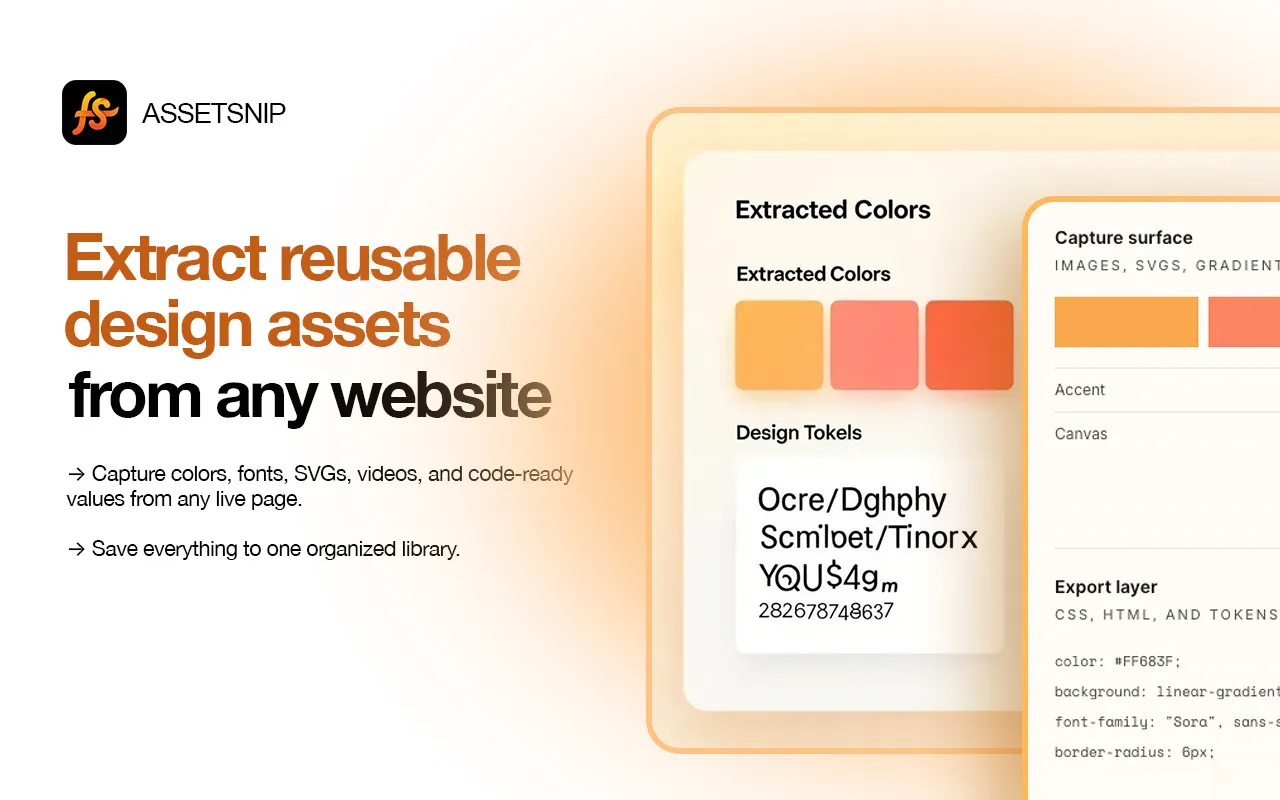

AssetSnip capture
Chrome extension workflow
Use AssetSnip for design research, rebuilds, audits, and faster frontend handoff.
Collect the visual pieces behind high-performing pages: hero imagery, icon systems, color palettes, fonts, and reusable sections.
Move faster from reference page to implementation by saving the assets and style details you need in one place.
Inspect brand systems, compare visual patterns, and build a clean reference library from competitor or inspiration sites.
Capture the assets and design context your coding agent needs before a rebuild or restyle.
Inspect the page, choose what matters, and save or export the asset for later use.
Use the Chrome extension on the page you want to research. AssetSnip scans common asset types and design details.
Review images, SVGs, colors, fonts, gradients, videos, Lottie files, and inspectable components before saving.
Download assets directly or save them to your AssetSnip library for future design, product, or frontend work.
Capture more than screenshots: images, SVGs, videos, Lottie, colors, fonts, gradients, and CSS details.
Keep references grouped and searchable instead of losing assets in downloads folders and screenshots.
Capture implementation-friendly details when a visual reference needs to become production UI.
Generate or vectorize SVG icons when your saved references need a clean reusable companion asset.
AssetSnip is built for design research and production workflow. These are the common questions for asset capture, reuse, and limits.
AssetSnip captures assets and design details exposed to the browser. Some websites block downloads, hide resources, or restrict access, so results can vary by page.
No. AssetSnip is built for broader website design research, including SVGs, colors, fonts, gradients, Lottie, videos, saved libraries, and inspectable UI details.
AssetSnip helps with research and workflow. You are responsible for checking licenses, permissions, and ownership before using third-party assets commercially.
Find inline and linked SVGs, preview them, and save the useful ones.
Extract colorsCapture page palettes, gradients, and reusable design values.
Find fontsIdentify font families and typography references from live pages.
Save inspirationTurn website research into an organized visual reference library.
Install AssetSnip, open the extension on a page, and turn useful design details into a reusable asset library.