Founder research
Study the pages that shape your market and keep visual ideas ready for landing pages, onboarding, and dashboards.
Design inspiration library
Go beyond screenshots. Capture the assets, colors, fonts, SVGs, gradients, and UI details behind the websites that inspire your next product or redesign.
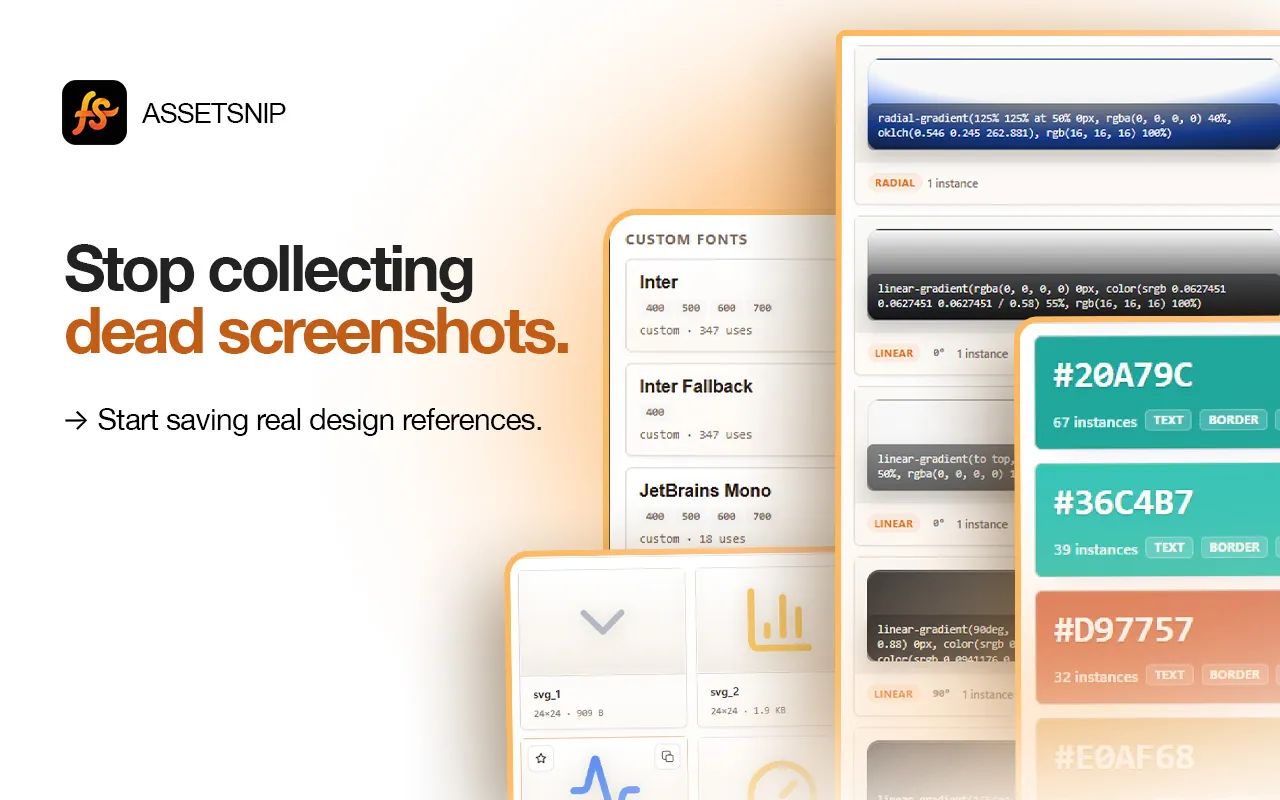

AssetSnip capture
Chrome extension workflow
Use AssetSnip for design research, rebuilds, audits, and faster frontend handoff.
Study the pages that shape your market and keep visual ideas ready for landing pages, onboarding, and dashboards.
Collect client-facing inspiration with the actual design ingredients needed to brief or execute faster.
Create a practical reference library before redesigning product UI, marketing pages, or docs.
Inspect the page, choose what matters, and save or export the asset for later use.
When a website has a useful visual idea, open AssetSnip and capture the design details behind it.
Store colors, fonts, images, SVGs, gradients, videos, Lottie files, and inspectable UI references.
Return to your library when building, redesigning, briefing collaborators, or comparing creative directions.
Save the design ingredients that make the page useful, not only a static visual snapshot.
Keep a durable reference library for recurring product, design, and frontend decisions.
Move from inspiration to implementation with assets, style details, and DESIGN.md context.
Capture inspiration while browsing instead of stopping to manage separate tools and folders.
AssetSnip is built for design research and production workflow. These are the common questions for asset capture, reuse, and limits.
Screenshots capture appearance. AssetSnip helps capture the reusable assets and design details behind the appearance.
It is useful for founders, designers, frontend developers, agencies, and anyone collecting website references for product or marketing work.
Yes. Save the assets and design details behind a reference site, and create DESIGN.md context for implementation.
Yes, for lawful design research and internal reference workflows. You are still responsible for respecting copyright, licenses, and site terms.
Collect images, SVGs, videos, colors, fonts, gradients, and Lottie files.
Download SVGsFind inline and linked SVGs, preview them, and save the useful ones.
Extract colorsCapture page palettes, gradients, and reusable design values.
Find fontsIdentify font families and typography references from live pages.
Install AssetSnip, open the extension on a page, and turn useful design details into a reusable asset library.